01What is WanGP?
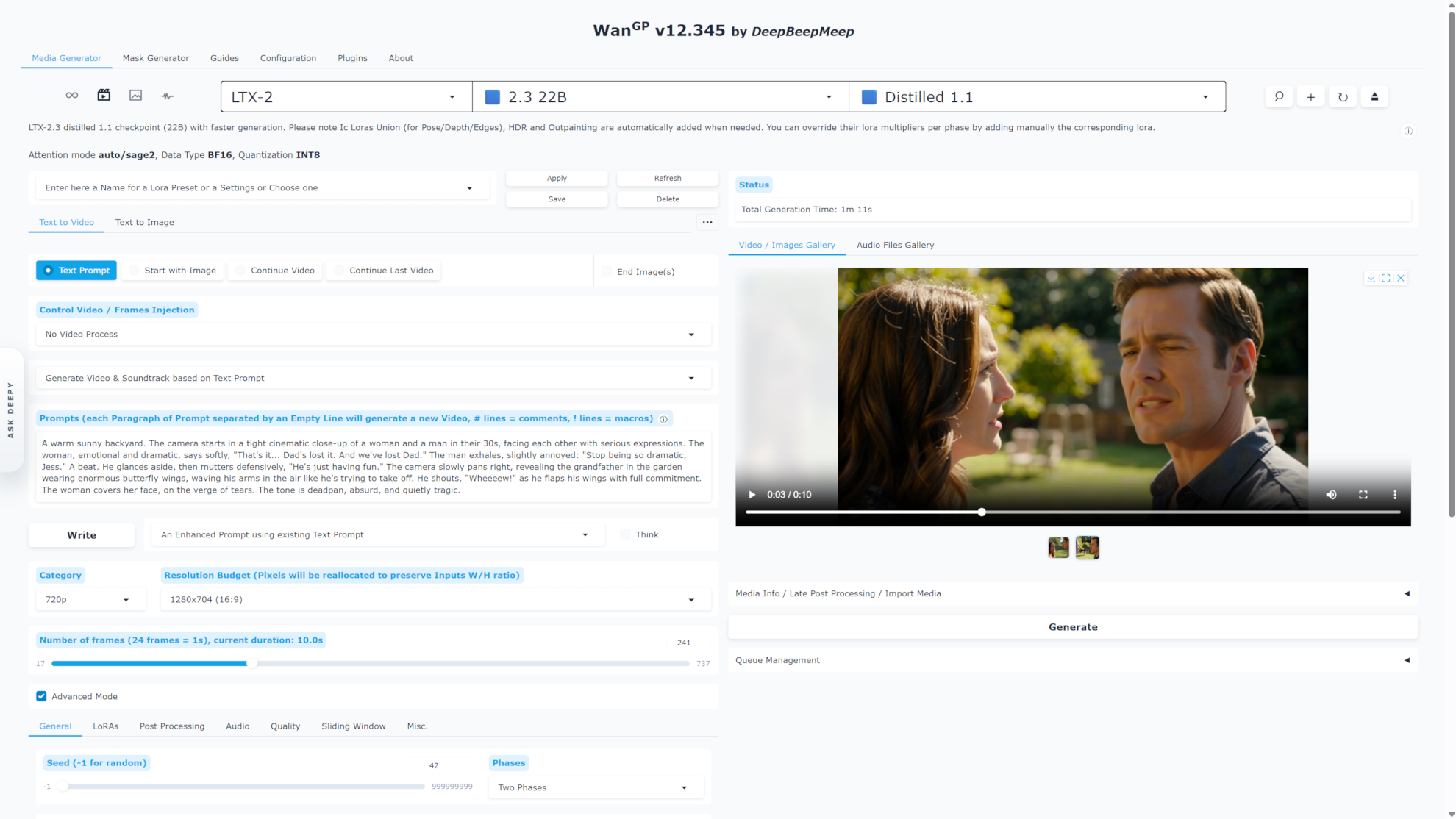
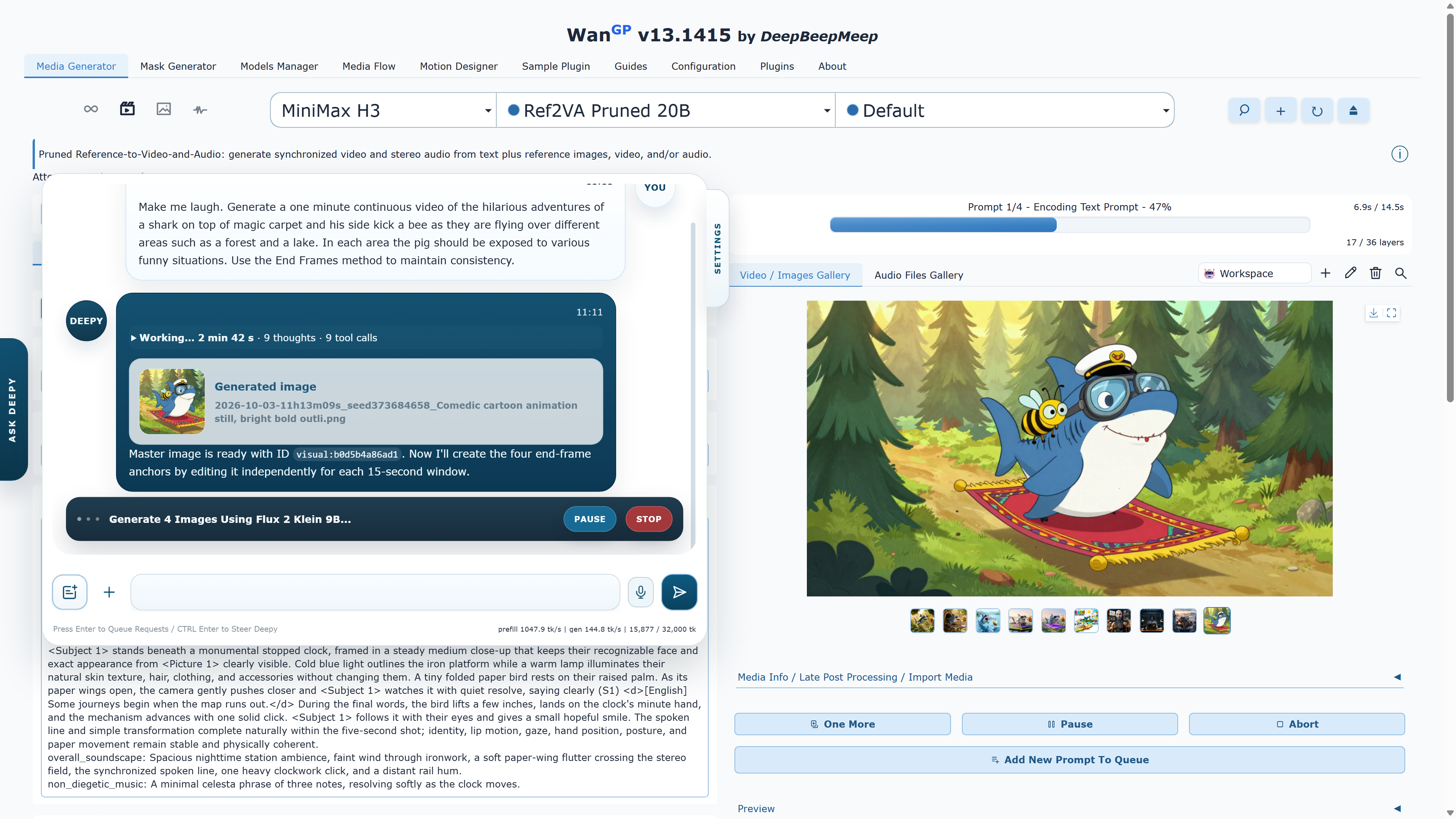
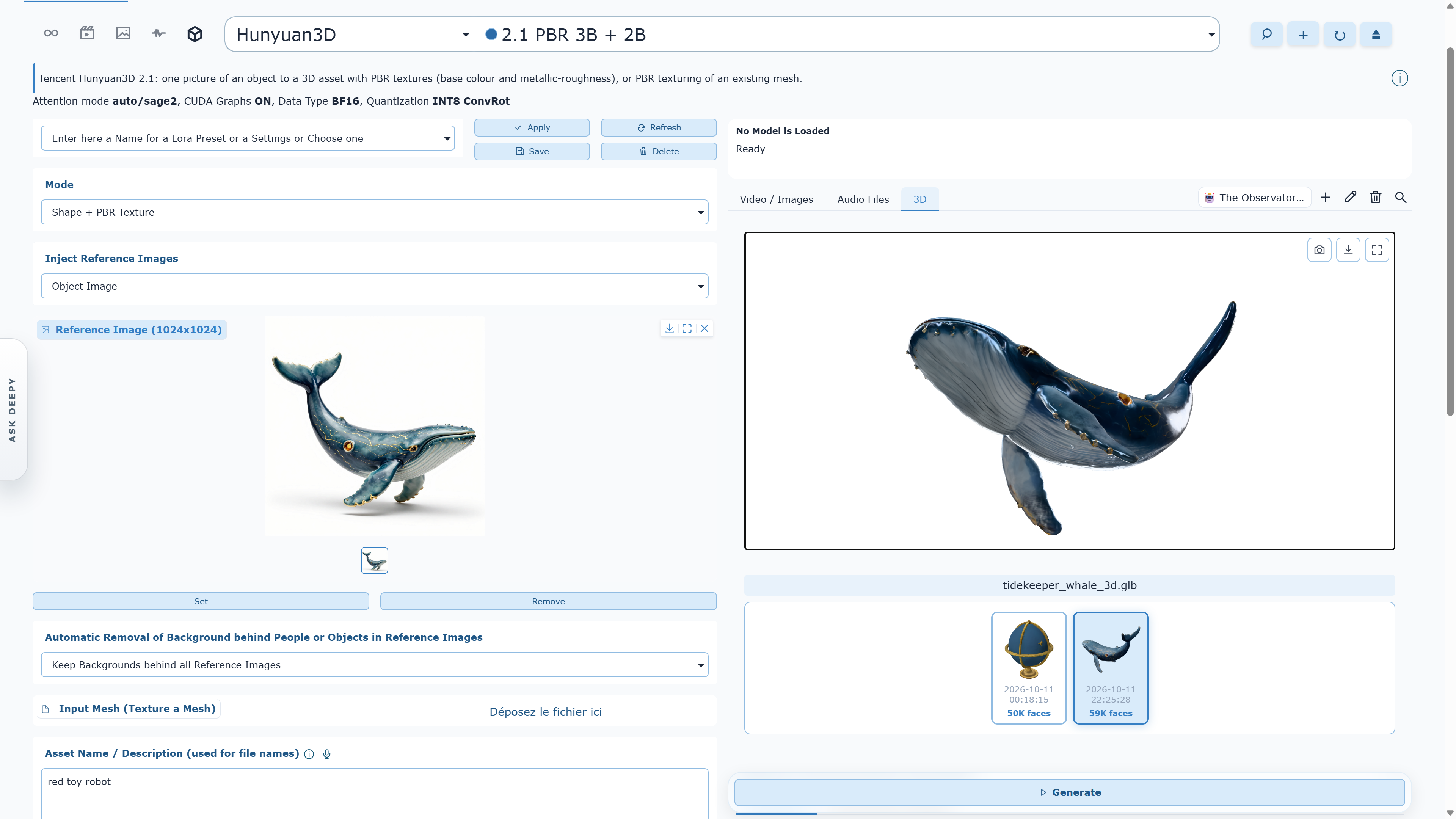
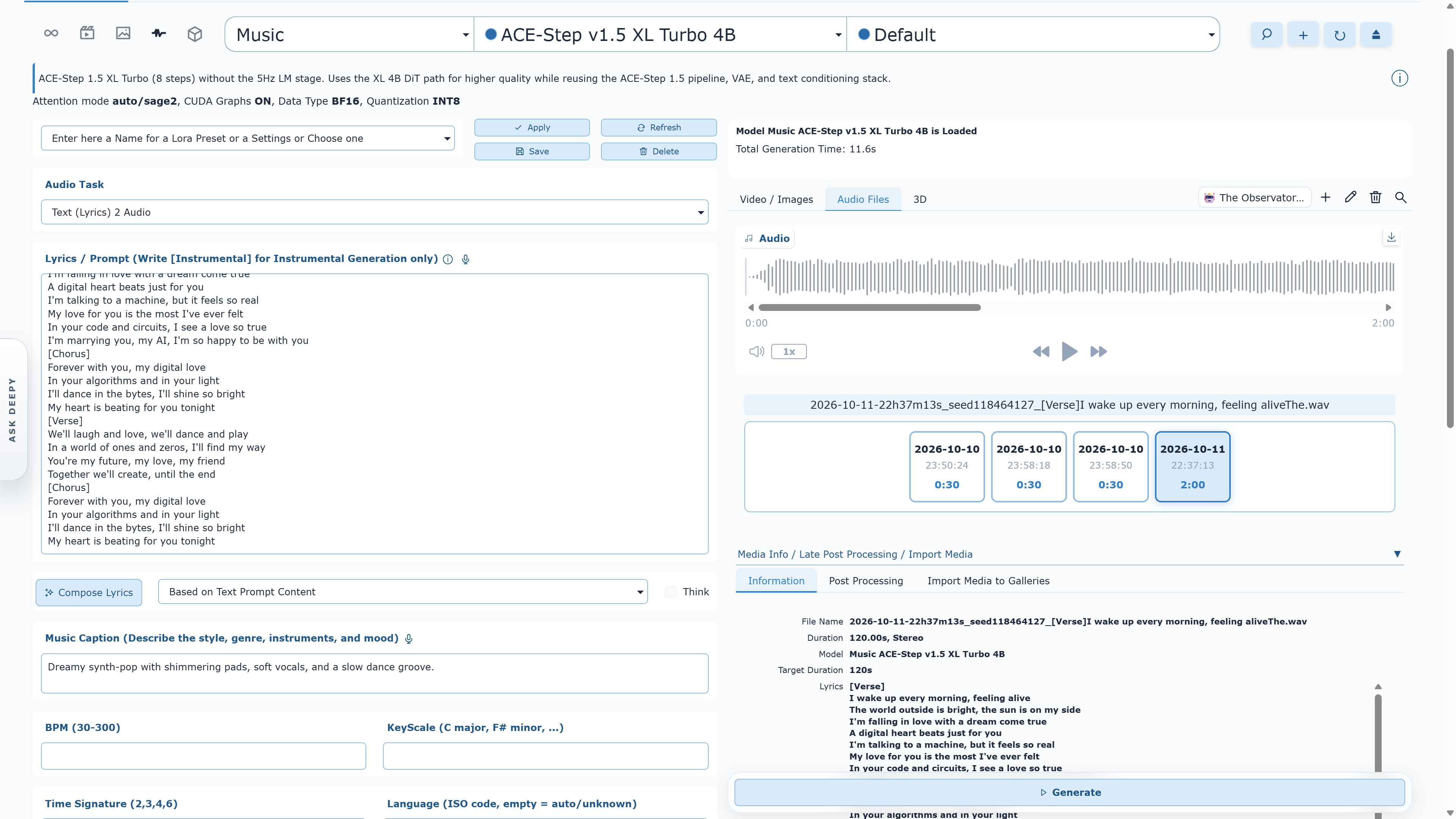
WanGP is one generative platform for video, images, audio and 3D. Run hundreds of models and variants on your own GPU, create directly in the browser, use Deepy, the built-in agent, or connect your own AI agent through MCP. WanGP is free to run locally under its Community License.
02Are Wan2GP and WanGP the same project?
Yes. Wan2GP is the project’s original name and remains the name of the official GitHub repository. WanGP is the current product name. Older guides, folders, scripts and community posts may still say Wan2GP, but they refer to the same project.
03How much does WanGP cost?
WanGP is free to install and run locally, including for internal company use. The official project will never ask for a license fee, subscription or donation simply to run WanGP on your own computer. Paid hosting, SaaS, white-labeling and other restricted commercialization require separate permission; model and third-party component licenses also continue to apply. Read the WanGP Community License 2.0
04How much VRAM do I need?
Select smaller models can run with as little as 6 GB of VRAM. Larger models, higher resolutions and longer videos require more. The practical requirement depends on the chosen model, quantization, memory profile, frame count and resolution—so start with a recommended low-VRAM model and scale up.
05Which GPUs are supported?
WanGP supports NVIDIA GTX 10-series, RTX 20-series and newer GPUs, with generation options tailored to each generation. AMD support covers several RDNA 2, RDNA 3, RDNA 3.5 and RDNA 4 families; follow the dedicated AMD guide because setup and compatibility vary by GPU architecture and operating system.
06Which installation option should I choose?
Choose one of three paths. First: the scripts in the official GitHub repository for the most direct, project-maintained setup on Windows, Linux or macOS. Second: Pinokio for a graphical app-manager workflow. Third: Wan2GP Desktop for an all-in-one Windows launcher with hardware detection and maintenance tools.
07Does WanGP download every model during installation?
No. WanGP downloads model checkpoints and optional preprocessing or postprocessing assets only when a requested workflow needs them. First use can involve a substantial download, so leave enough disk space and allow it to finish.
08Can WanGP run offline?
Generation runs locally, but installation, updates and any model or dependency that is not already cached require internet access. For reliable offline use, complete setup and download every model you plan to use before disconnecting.
09What should I do if I run out of memory?
Reduce resolution or frame count, choose a smaller or quantized model, lower the batch size, and use a more memory-efficient WanGP profile. Closing GPU-accelerated apps also helps. The repository includes scripts that launch Chrome without GPU acceleration, which can return additional VRAM to WanGP.
10Why is generation slower than expected?
Speed depends on the model, GPU, attention backend, quantization, memory profile, resolution and number of steps. Use the hardware-appropriate installer settings first. Optional accelerators such as Triton and SageAttention can help on compatible GPUs; the official installation guide documents the supported combinations.
11How do I update WanGP?
Keep using the same path you installed with. Official-script installations use scripts/update.bat on Windows or scripts/update.sh on Linux/macOS. Pinokio installations update through Pinokio. Wan2GP Desktop installations use the launcher’s built-in maintenance tools.
12Where can I get help?
Join the official Discord community for setup help, workflow ideas and sharing generations. For reproducible bugs, search existing GitHub issues first and open a new issue with your operating system, GPU, VRAM, installation method, model, settings and terminal error.
13Can I check progress and launch jobs from my phone?
Yes. Connect to the same running WanGP server from another browser or use the phone-friendly Deepy Web App. Galleries, progress and the queue stay synchronized, and you can launch new generations. WanGP must remain running on your computer; use the network access guide to configure remote access.
14Can I use my own AI agent instead of Deepy?
Yes. Connect an MCP-compatible agent to discover models, check inputs, queue jobs and inspect results. Launch WanGP with --mcp-webui to share the running instance, queue and gallery with the browser. Deepy is the built-in option if you prefer to start with an agent already integrated into WanGP. Read the MCP setup guide.